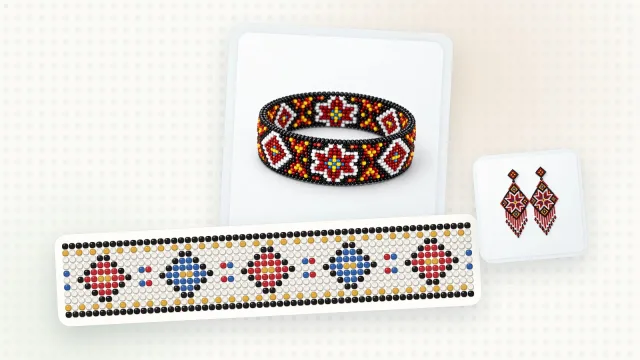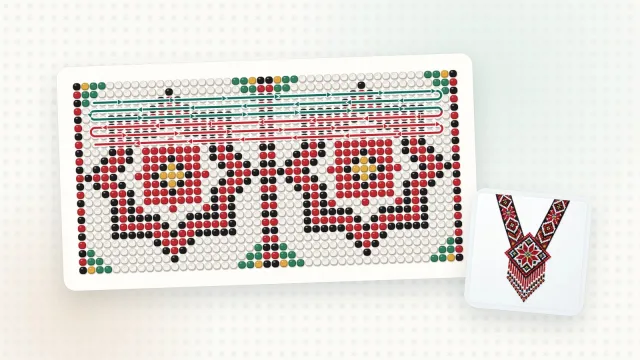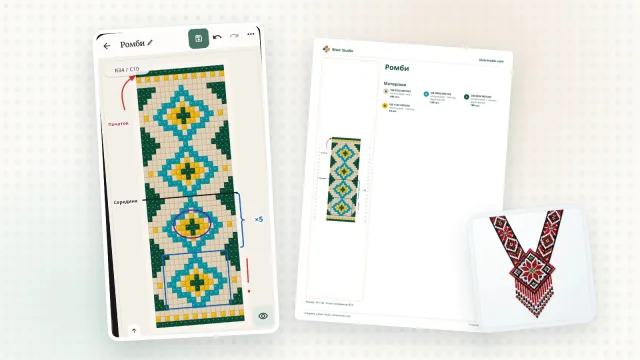
Drew a lovely star, but it’s in the wrong spot? Want to repeat a motif along a gerdan (a wide Ukrainian beaded necklace) or move it to another bead pattern? There’s no need to redraw the beads — that’s what “Selection” is for.
How to select
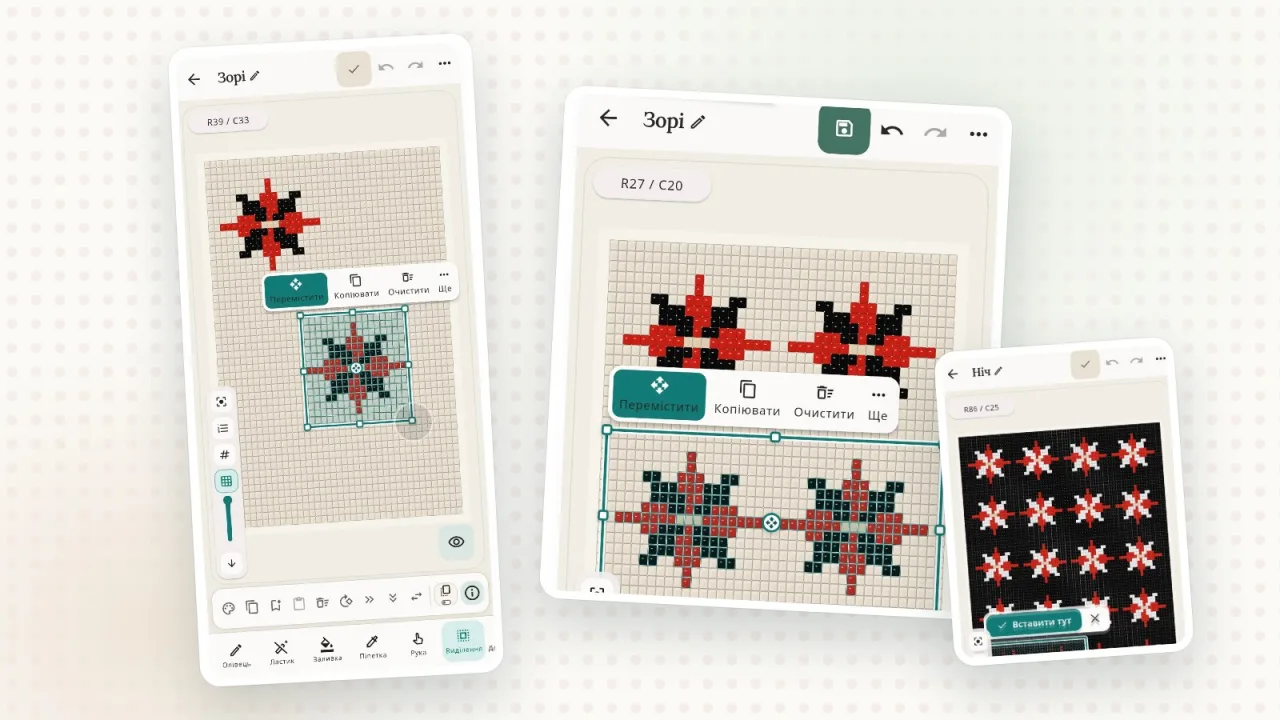
Choose the “Selection” tool and drag a frame around the area you need. Three modes help you fine-tune the selection:
“New selection” — start from scratch;
“Add to selection” — add another area;
“Remove from selection” — leave out what you don’t need.
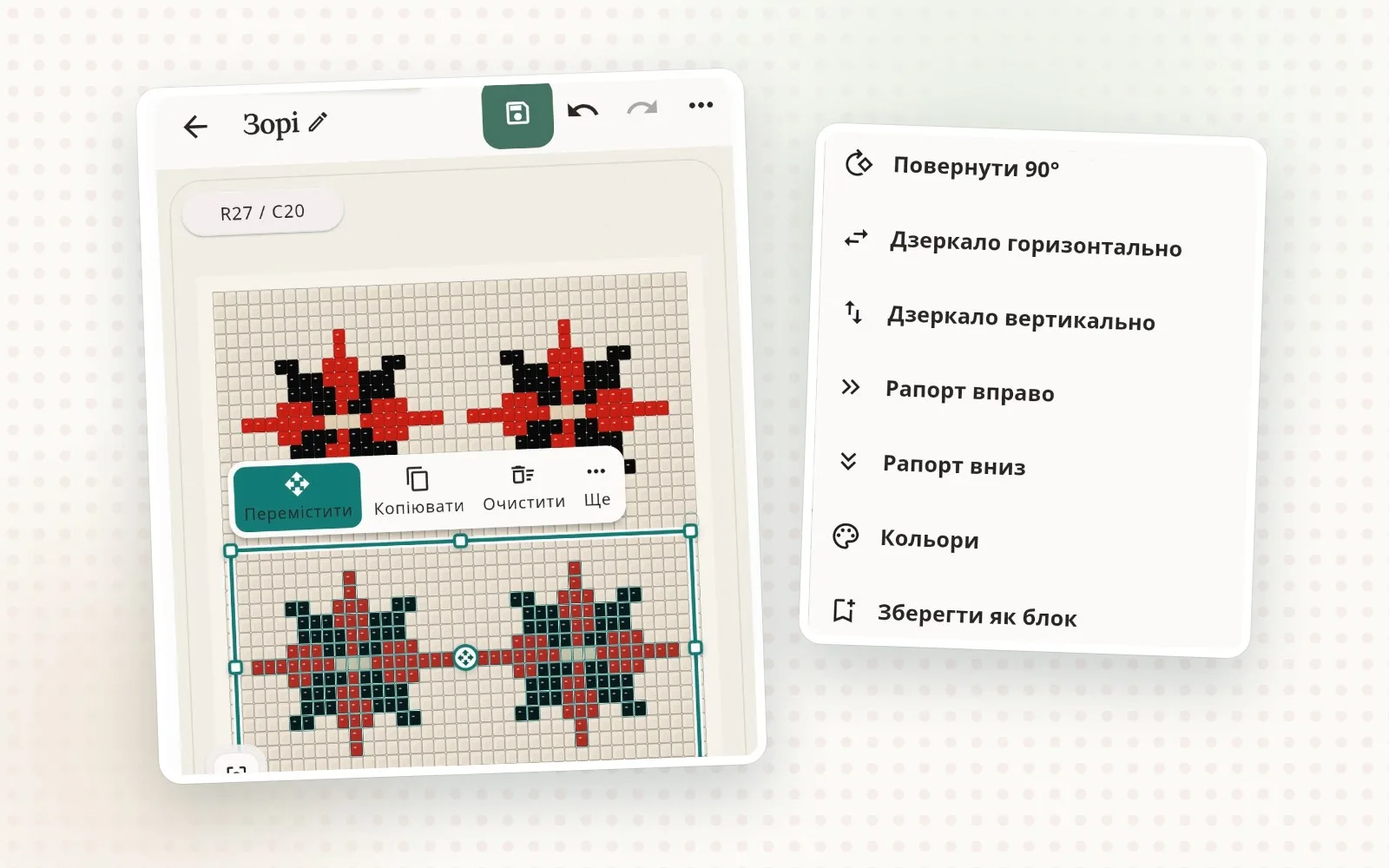
Quick actions appear next to the selection: “Move”, “Copy”, “Clear” and “More”.
Move
Tap “Move”, drag the block or tap where you want it, and confirm with “Move here”.
Copy — here or to another pattern
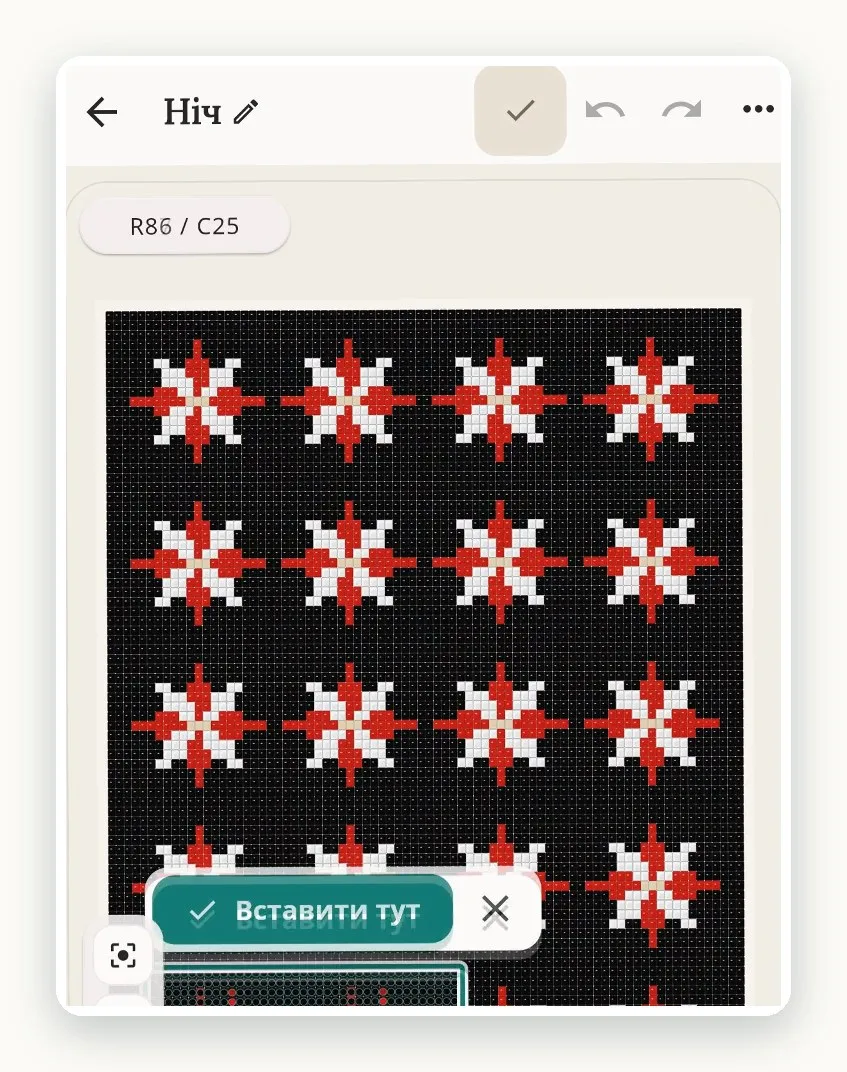
“Copy” makes a copy in the same pattern. “Copy to clipboard” in the “More” menu remembers the piece so you can drop it in with the “Paste” button — here or in another pattern. That makes it easy to put together a new piece from motifs you already have: a star from a gerdan onto a bracelet, a flower from a sylianka (a Ukrainian netted beaded collar) onto earrings.
Rotate, mirror, repeat
The “More” menu has actions that save hours of work:
“Rotate 90°”;
“Mirror horizontally” and “Mirror vertically” — for symmetrical ornaments and mirror-image pairs of earrings;
“Repeat right” and “Repeat down” — continue the selected repeat onto matching positions, for example along the whole bracelet.
Example: an ornamental band in a minute
Draw one motif — a diamond or a flower.
Select it together with the empty gap before the next motif.
In the “More” menu, choose “Repeat right” — the motif repeats all the way to the end of the band.
In the same way, “Repeat down” continues the ornament downward — handy for gerdans and belts.
A handy switch
When pasting, keep an eye on “Adjust beads individually”. When it’s on, each bead can shift on its own to the nearest matching spot — a lifesaver when you move a motif between patterns with different offsets, for example between brick stitch and peyote stitch. When it’s off, the piece keeps its shape and moves as a whole.
Tips
Select a motif together with the gap to its neighbor — then the repeat lines up evenly.
For symmetry, draw one half, copy it and mirror it.
For a mirror-image pair of earrings, copy one earring and apply “Mirror horizontally” to the copy.