Draw and experiment
Pencil, fill, lines, selections, mirroring and repeats. Undo and redo, adjust shapes and edit rows.
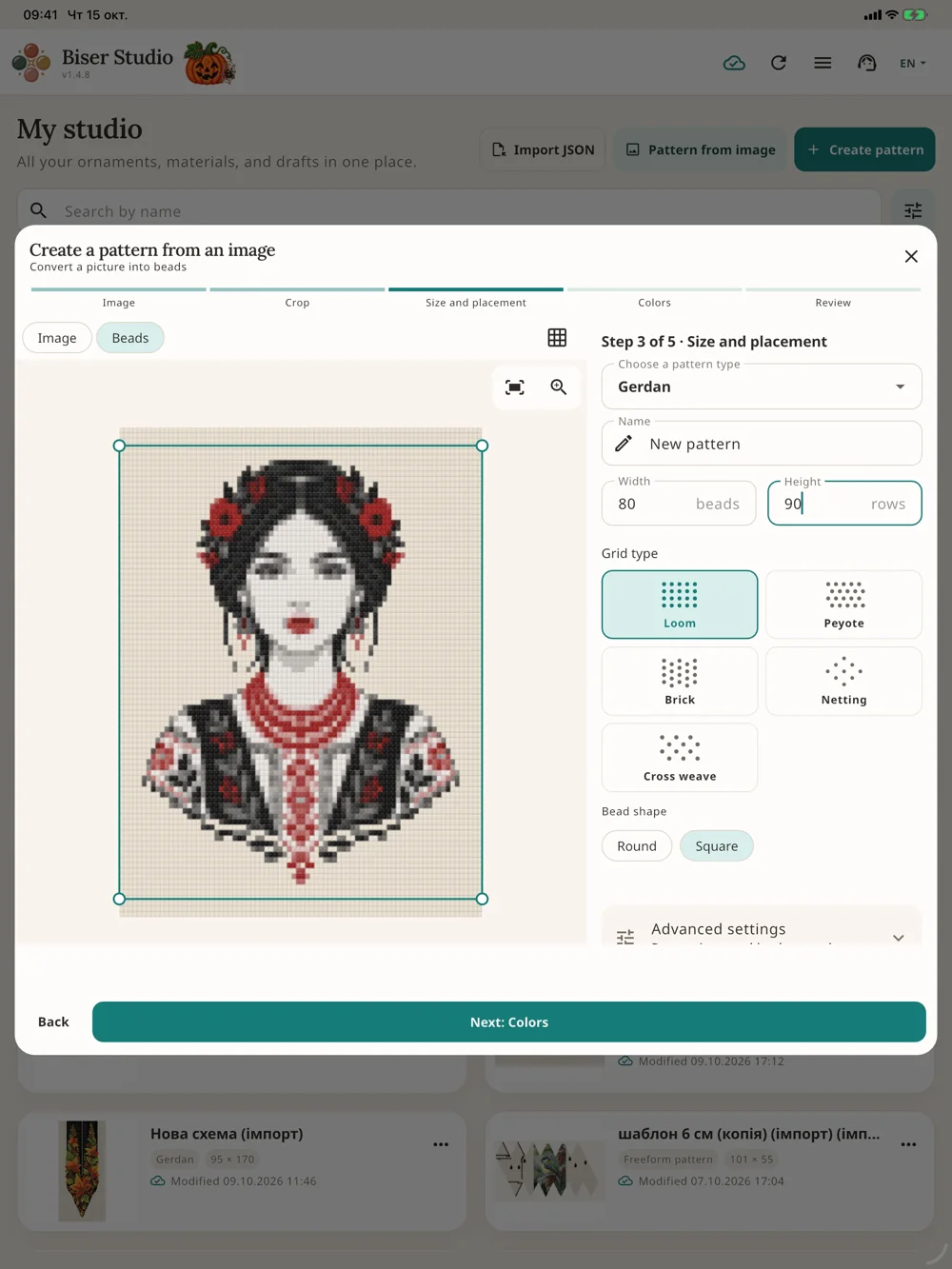
Turn a photo into a pattern
Crop an image, choose colours and review the result. Or add a reference layer and trace the motif by hand.
Build from ready-made parts
Combine blocks, rows and pendants in the constructor. Build detailed designs from simple elements.
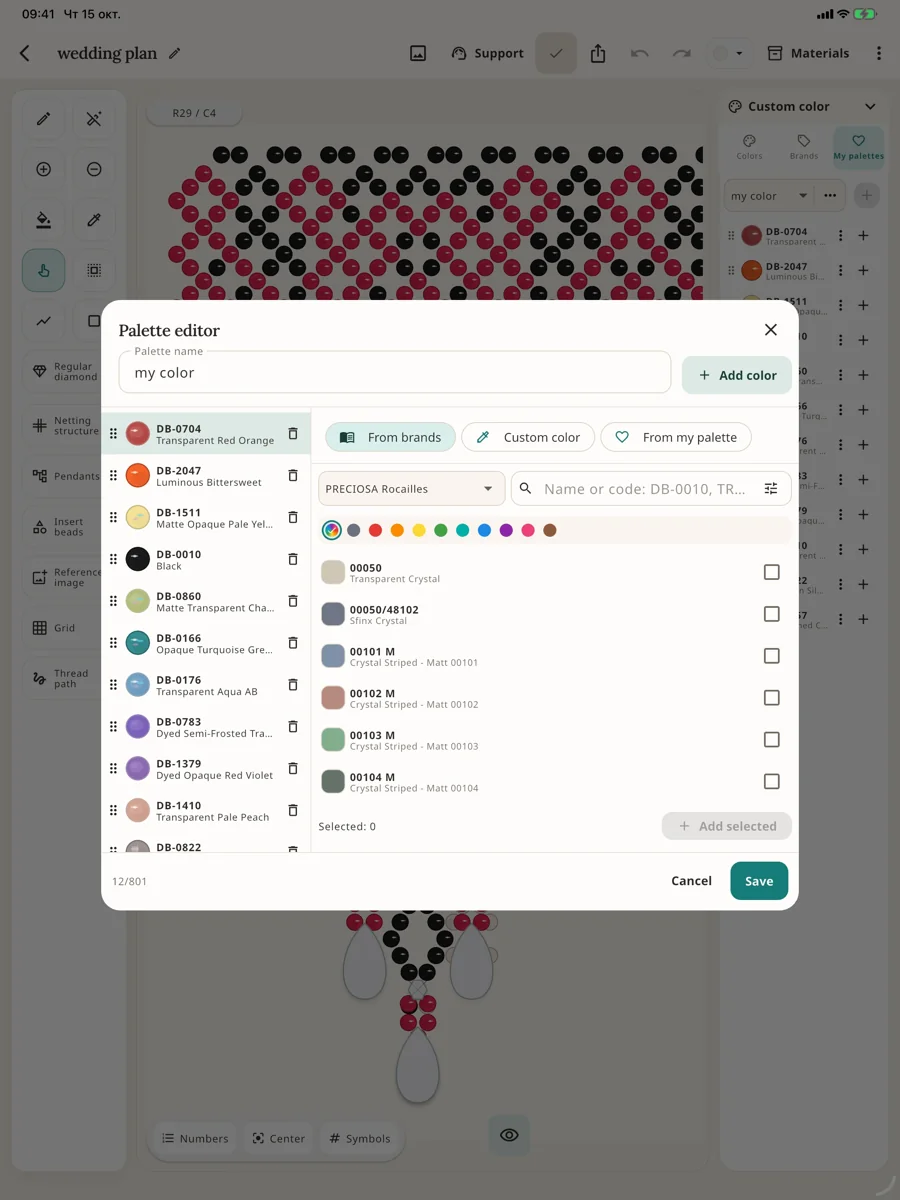
Plan your materials
PRECIOSA and MIYUKI catalogues, your own palettes, product codes and bead counts for every colour.
Bead one step at a time
Track progress in weaving mode and add a thread path to make your pattern easier to follow.
See your piece in 3D
Bead crochet balls and bells include a chart, stringing sequence and a 3D preview of the ornament.
Share and print
PNG for images, PDF for printing, JSON for backups. Custom export branding is available on paid plans.
Continue on another device
Working changes are saved locally. Sync projects to your account to open them on another device.
Some features depend on your plan. Current limits, prices and trial access are shown in the app.