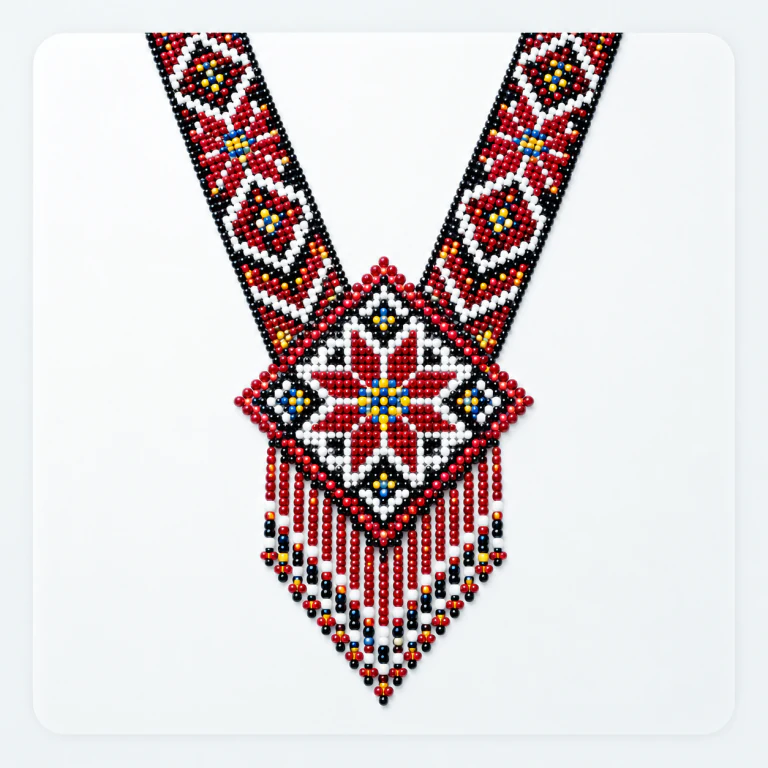
Gerdan necklaces
Expressive ornaments for beaded necklaces.
A studio for your beadwork ideas
Design jewellery, ornaments and decor in Biser Studio. Draw, turn photos into patterns and prepare everything for beading, at your own pace.
Start free · more possibilities with Pro and Premium
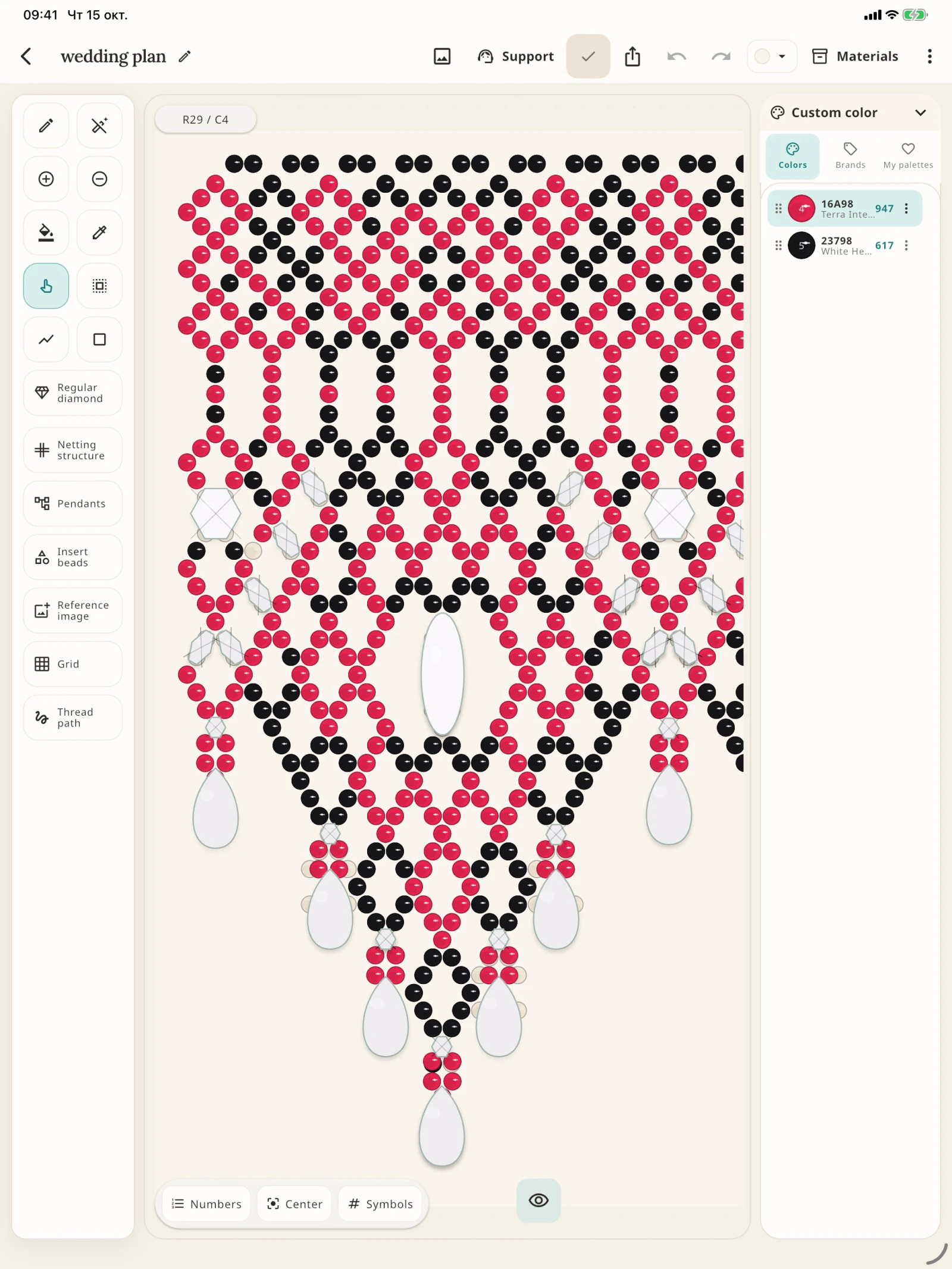 Ruby Lace
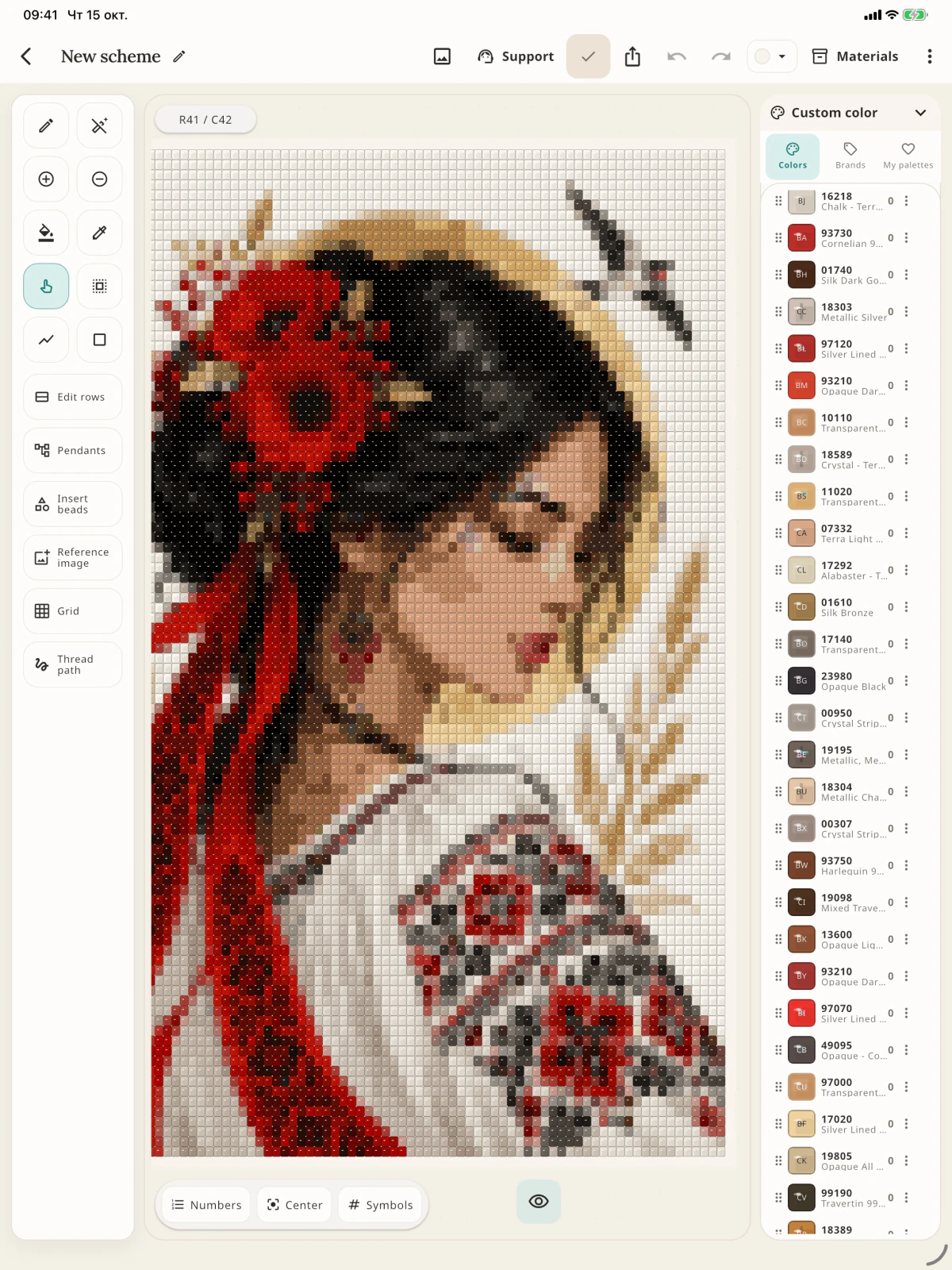 Poppy Muse
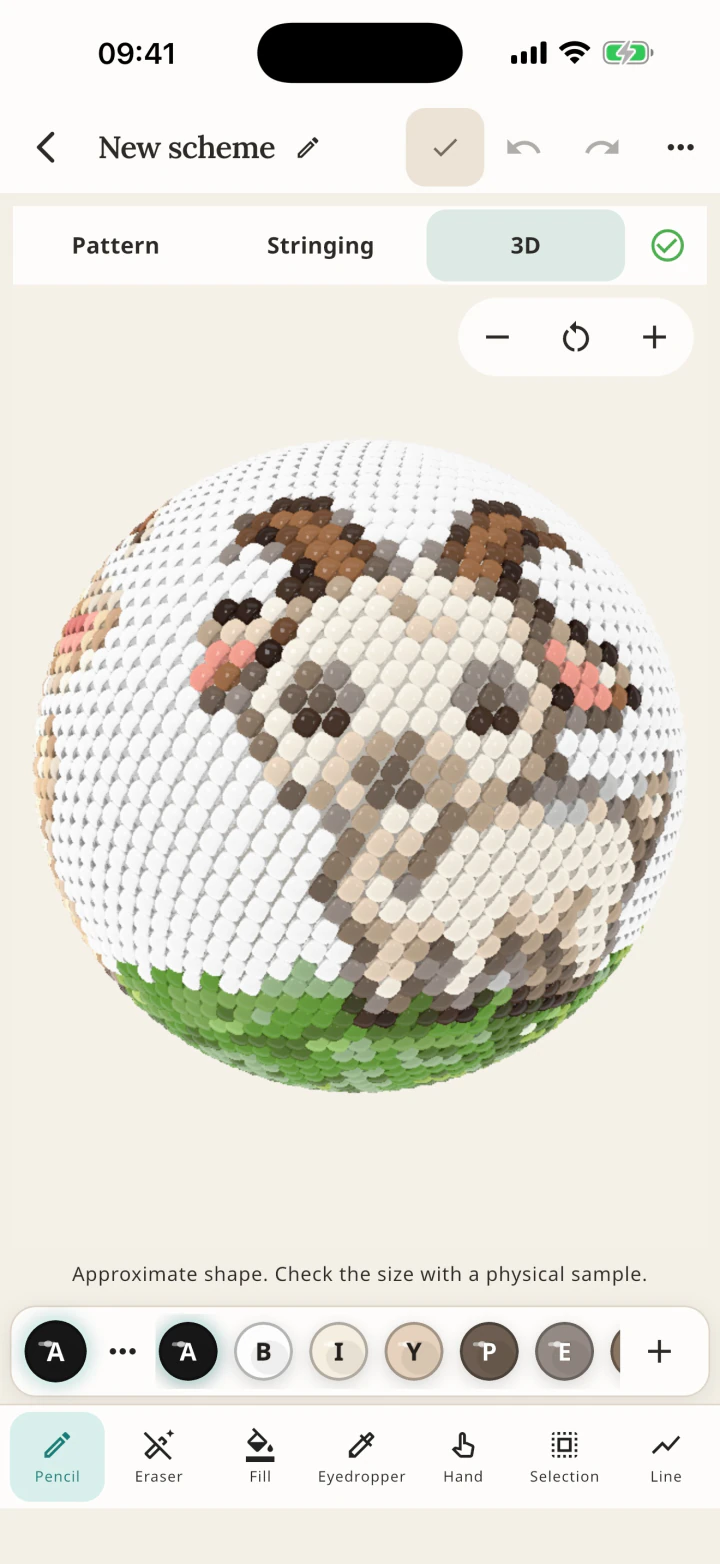 Little Lamb
What will you create?
Expressive ornaments for beaded necklaces.
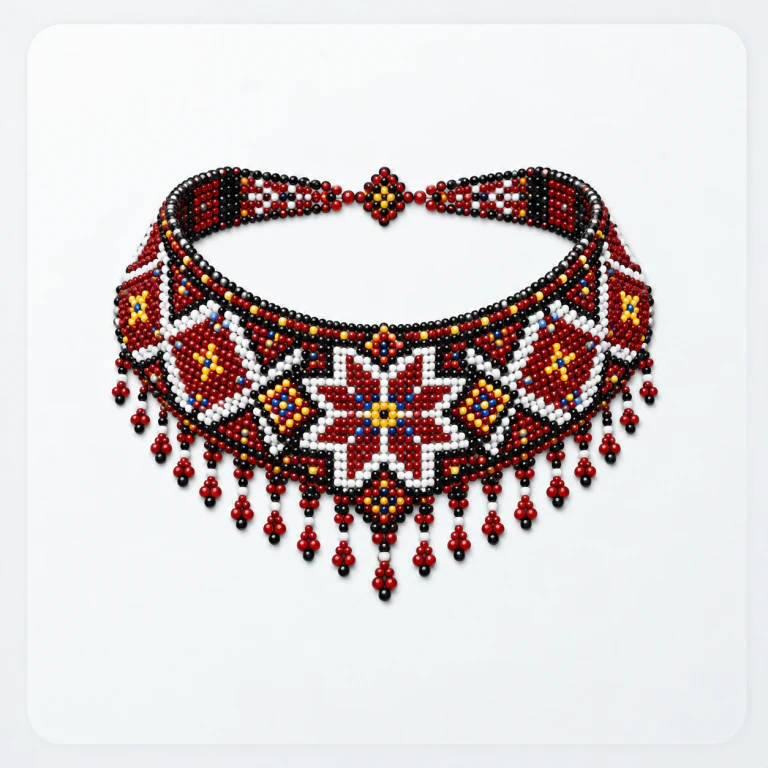
Netting, pendants and accent beads.

Rhythm and repeats for everyday jewellery.
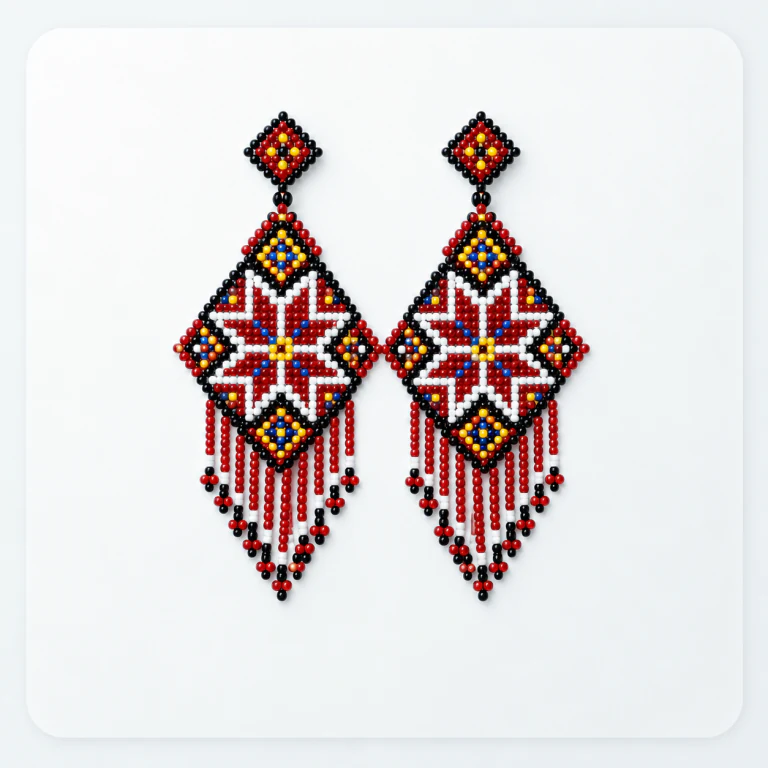
Paired motifs and striking geometric shapes.
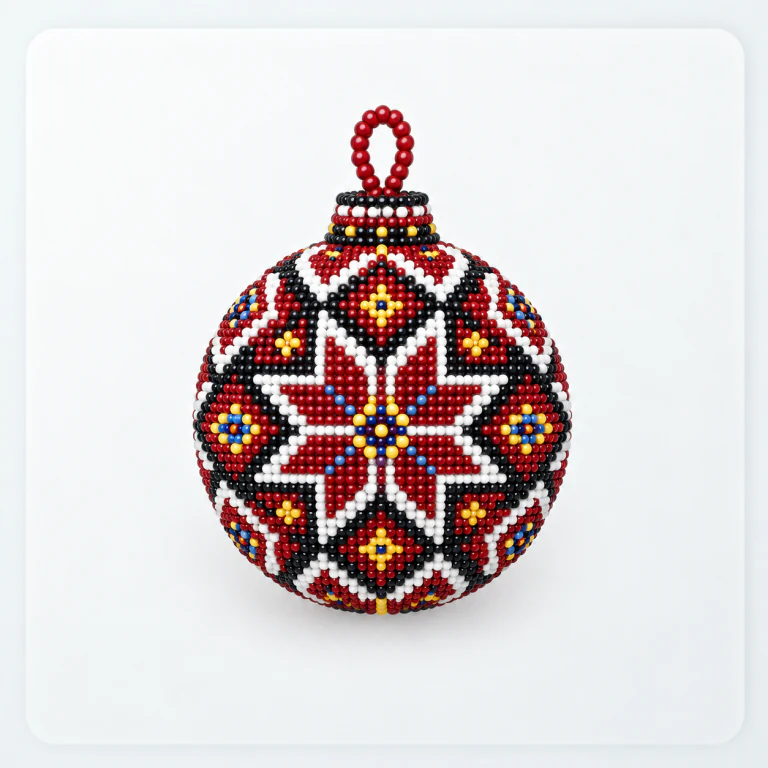
A chart, stringing sequence and 3D preview.
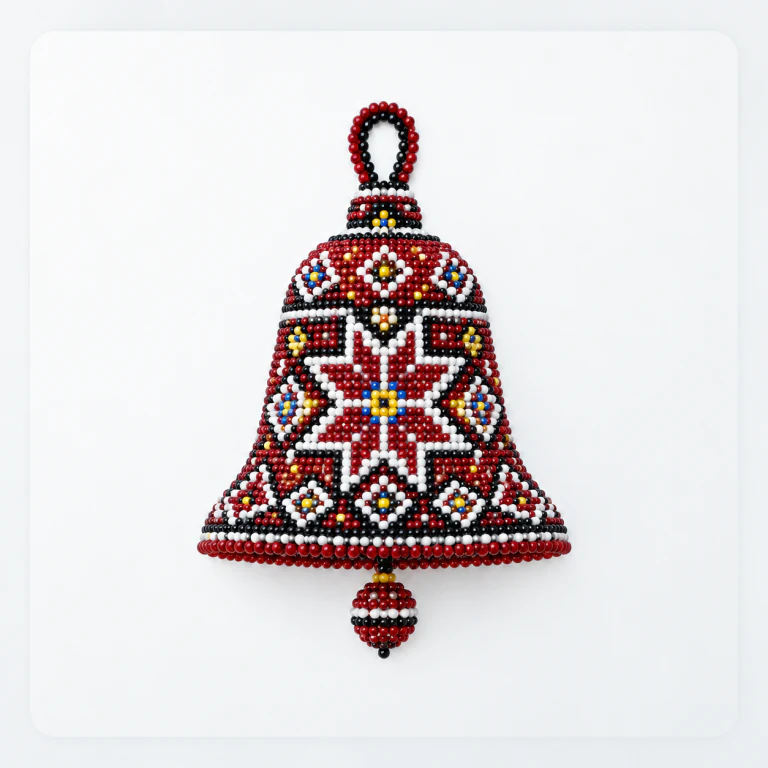
Your ornament on a festive shape.
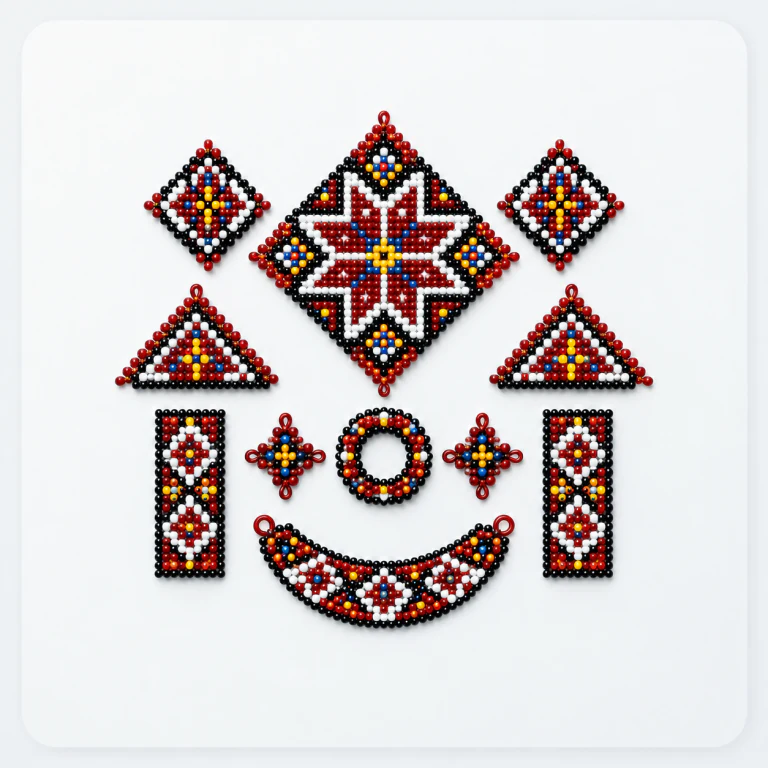
Combine blocks, rows and pendants into your own composition.
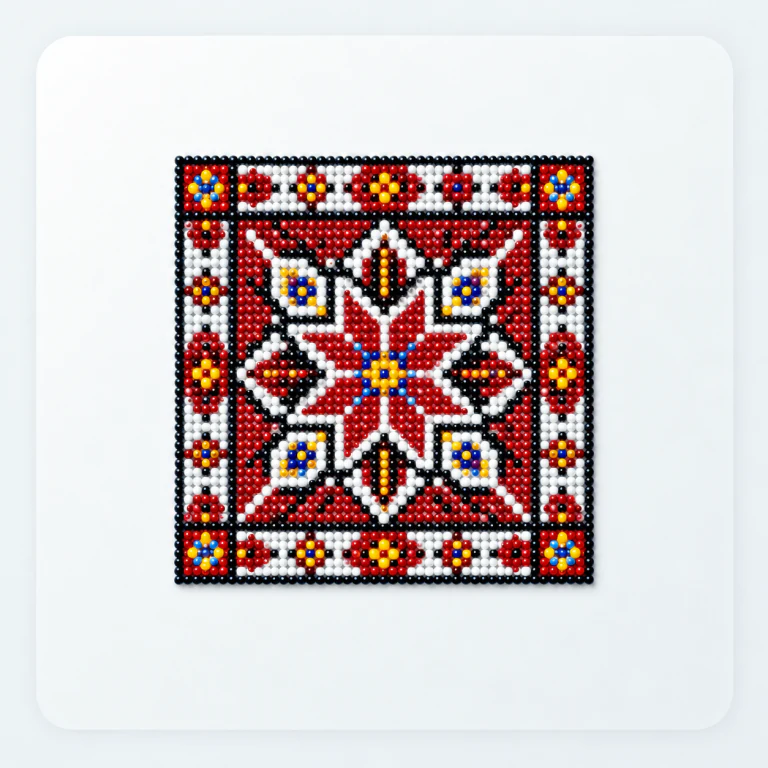
Your dimensions, stitches and colour combinations.
Made for your ideas
Tools for the whole journey, from a first sketch to materials and a finished pattern.
Pencil, fill, lines, selections, mirroring and repeats. Undo and redo, adjust shapes and edit rows.
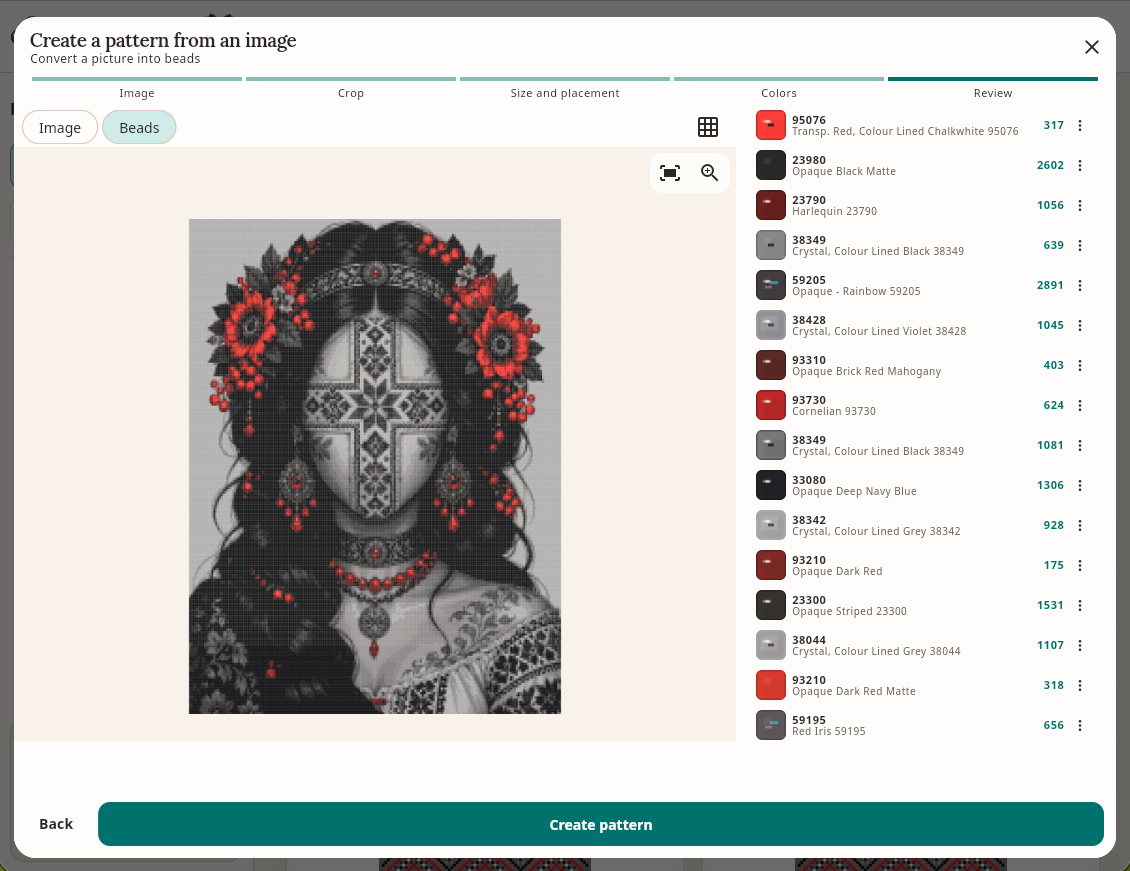
Crop an image, choose colours and review the result. Or add a reference layer and trace the motif by hand.
Combine blocks, rows and pendants in the constructor. Build detailed designs from simple elements.
PRECIOSA and MIYUKI catalogues, your own palettes, product codes and bead counts for every colour.
Track progress in weaving mode and add a thread path to make your pattern easier to follow.
Bead crochet balls and bells include a chart, stringing sequence and a 3D preview of the ornament.
PNG for images, PDF for printing, JSON for backups. Custom export branding is available on paid plans.
Working changes are saved locally. Sync projects to your account to open them on another device.
Some features depend on your plan. Current limits, prices and trial access are shown in the app.
Your photo. Your pattern.
A favourite photo, drawing or ornament can become a beadwork project. The wizard helps you prepare the image, then you add the finishing touches in the editor.
Upload a photo and crop it to the part you want.
Choose the size, weaving technique and number of colours.
Refine your pattern and prepare a list of materials.
Access depends on your plan or trial period.
The first step is the fun one
Choose a piece, a block construction or an image.
Explore motifs, shapes and your favourite colours.
Prepare your materials, open weaving mode or print a PDF.
An account is required for the web editor, dashboard and cloud sync. It links private cloud copies of patterns to you and lets you recover access by email.
Biser Studio is available on Web, Android and iOS. The interface adapts to phones, tablets, mouse input and touch controls.
There are starting modes for gerdans, syliankas, bracelets, earrings and custom patterns with your own dimensions and settings.
The editor is local-first: the working copy remains on your device, while synced patterns have a private cloud copy in your account. Keep JSON backups of important work as well.
No. Cloud patterns and related files are private and are never published to the gallery automatically. Administrative access is restricted by support rules and is logged.
The server never silently overwrites a newer version. The editor reports the conflict and can preserve a separate conflict copy so neither version is lost.
Local projects can be edited without a constant connection. Sign-in, cloud sync and other server features require internet access; syncing can continue after the connection is restored.
The editor supports PNG, PDF and JSON. PNG is useful for sharing, PDF for printing, and JSON for backups and moving a project.
Let’s stay in touch
Follow Biser Studio news, new features and the mobile app releases.
If the editor helps your work, a voluntary contribution can support its infrastructure and continued development.
Open the editor and make your first pattern. You can start for free.
Open web editor