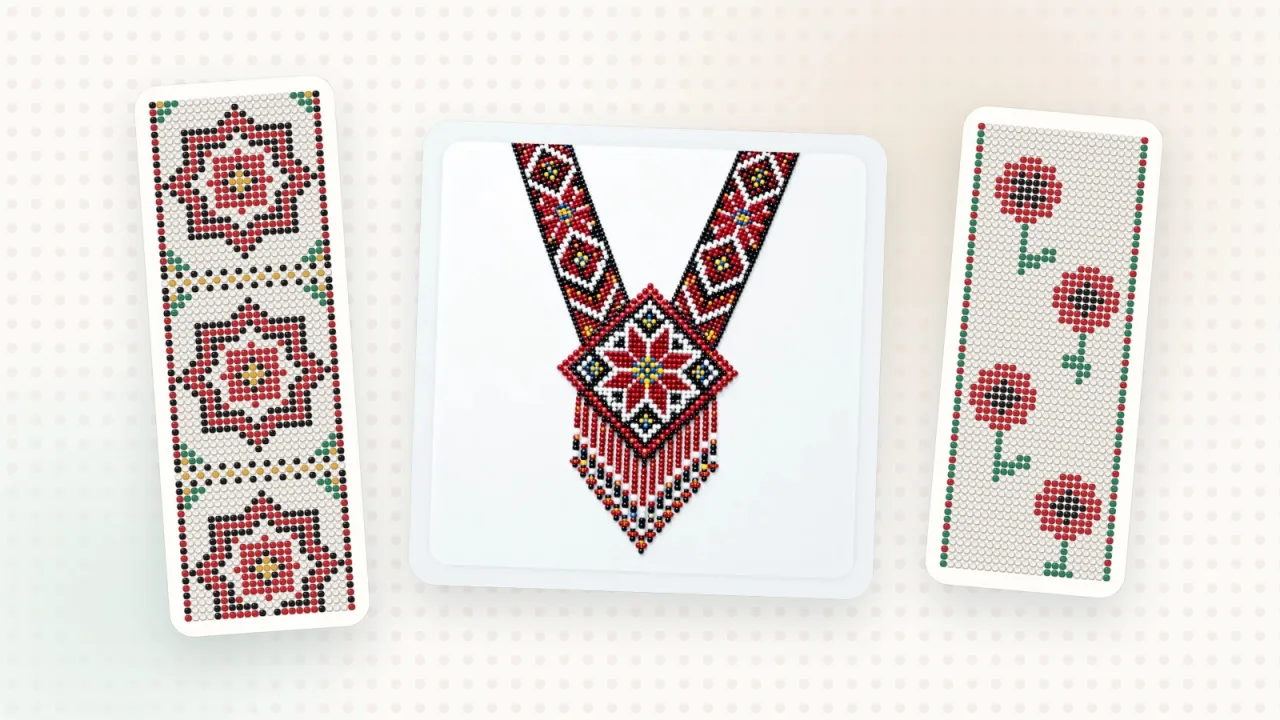
A gerdan is a wide, band-like beaded necklace with an ornament — one of the most recognizable pieces of Ukrainian beadwork. You can find a ready-made pattern in the gerdan catalog, or create your own gerdan pattern with your favorite motifs and colors. Here’s how to do it in Biser Studio.
1. Start with the “Gerdan” template
Tap “Create pattern”, and when asked “What would you like to create?”, choose “Gerdan”. This template gives you a longer pattern for a wide neckpiece with a central ornament, with the even rows already shifted. You can change the size and the grid — for example, switch to a regular grid if you weave on a loom.
2. Choose your beads
In the “Bead catalog”, find the colors of the brand you weave with — by name or by code. On-screen colors are approximate, so when shopping, go by the code first. A gerdan usually needs just 4–6 contrasting colors — that way the ornament reads from a distance.
3. Draw half of the ornament
Draw with the “Pencil”, fill large areas with “Fill”, pick up colors from the pattern with the “Eyedropper” and clean up with the “Eraser”. Most gerdans are symmetrical, so it’s enough to draw half of the motif.
4. Mirror and repeat
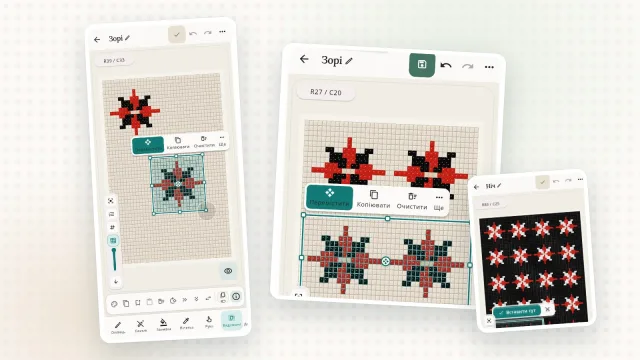
Select the finished half, copy it, place the copy next to it and apply “Mirror horizontally” from the “More” menu — the motif becomes symmetrical. Then “Repeat down” continues the ornament along the band as far as you need.
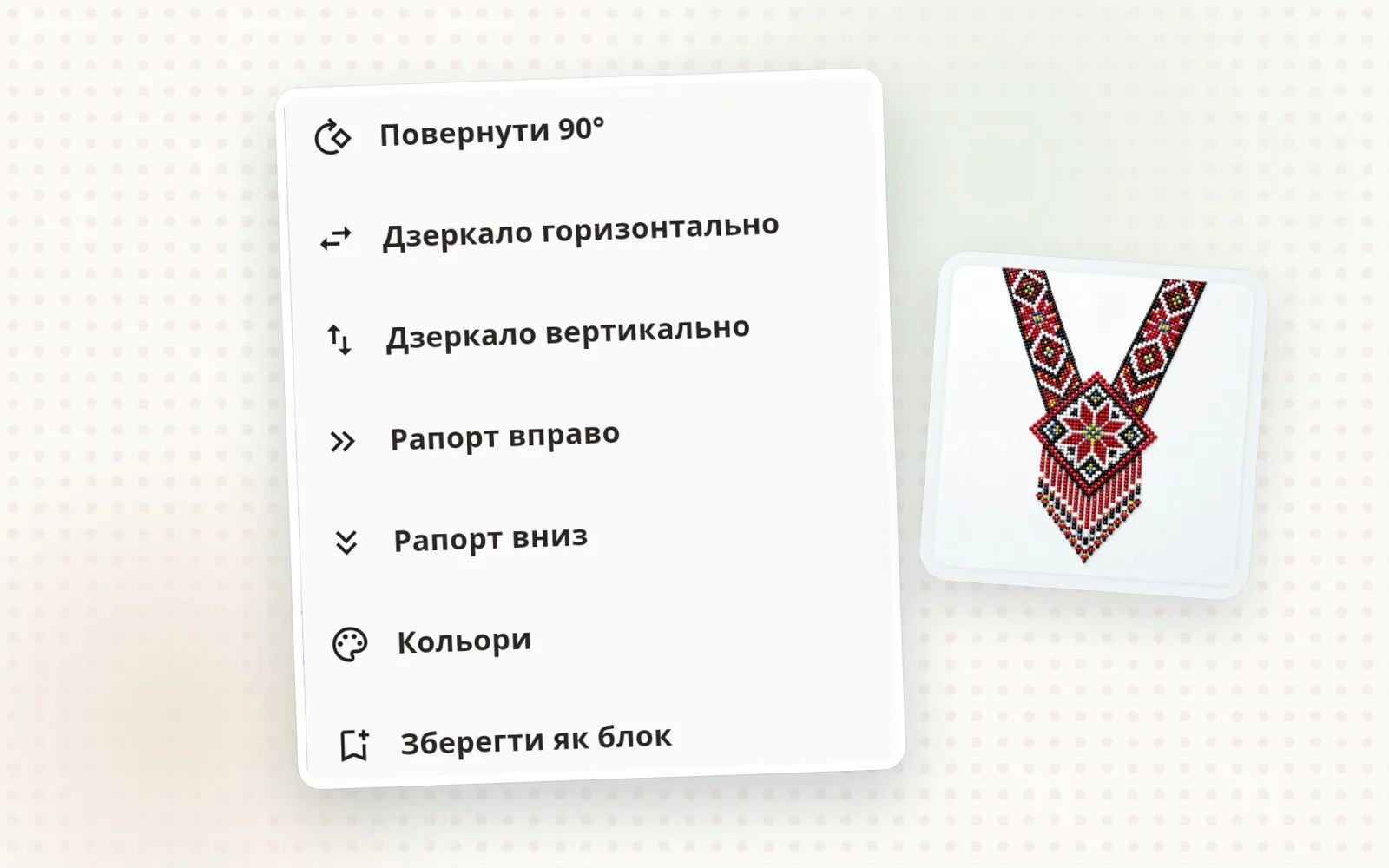
5. See how the piece will look
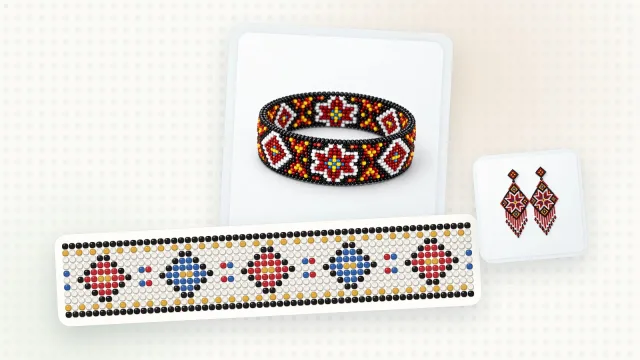
“Product view” shows your pattern as a finished piece of jewelry, so it’s easier to judge the colors and proportions before you buy any beads.
6. Materials and weaving
“Materials” lists the color codes and how many beads of each you need — a handy list to take to the store. And “Weaving mode” takes you through the pattern row by row, so you never lose your place.
Check the pattern before you weave
Zoom in and go over the rows: make sure no bead of the wrong color has slipped in.
Zoom out and look at the pattern from a distance — that shows whether the ornament reads well.
Compare the bead amounts in “Materials” with what you have at home.
Ideas for your first gerdan
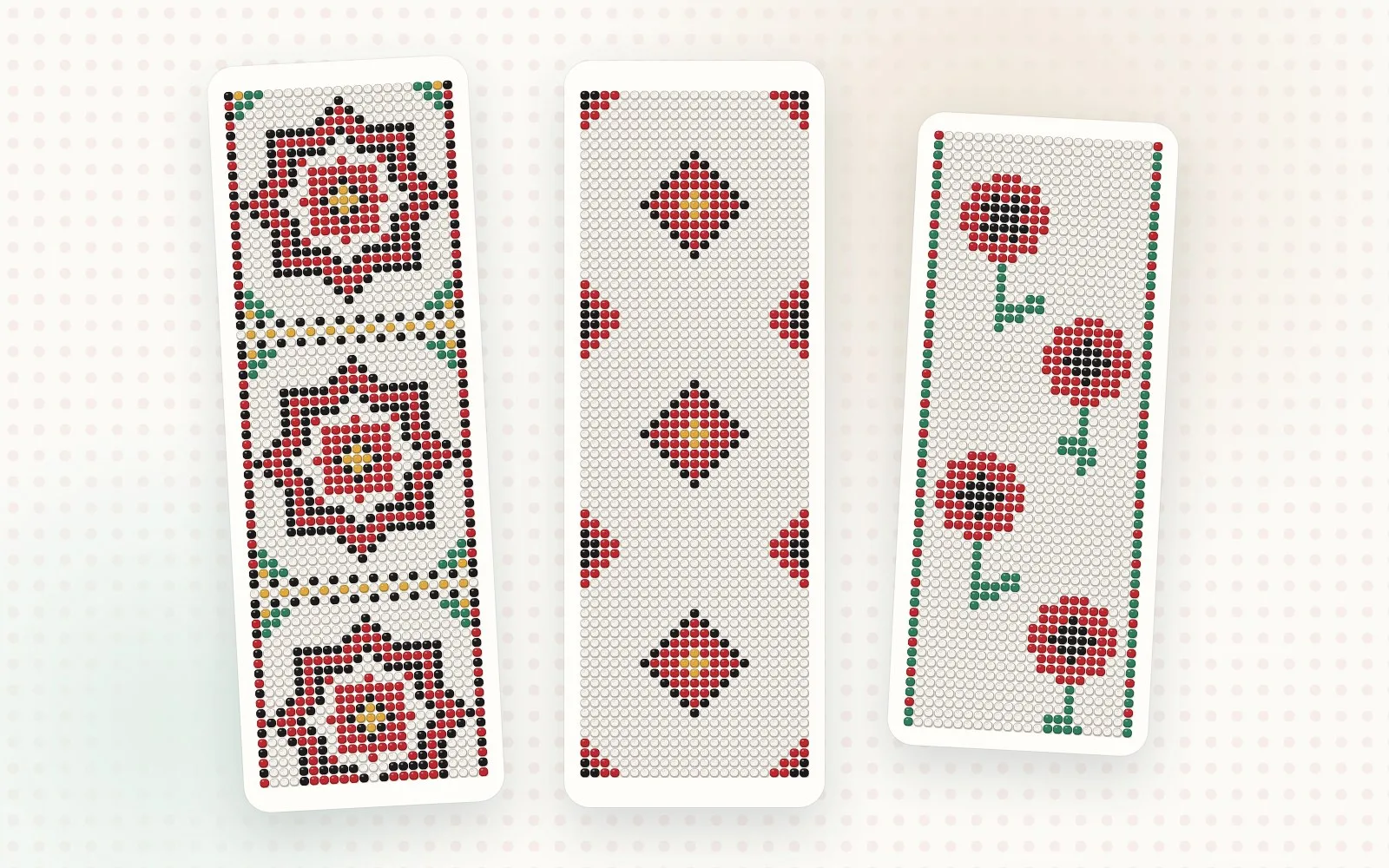
Start with one large motif in the center and a simple border.
Repeat motifs — diamonds, stars, flowers — at even intervals.
Don’t be afraid of a dark background: black or navy makes red and gold stand out.
You can also make a pattern from a picture: the “Create a pattern from an image” wizard turns a drawing or photo into a bead pattern.