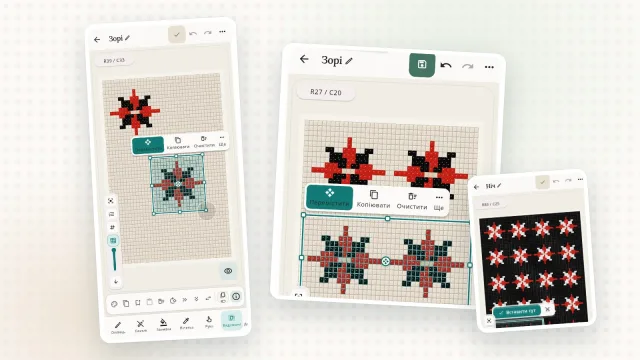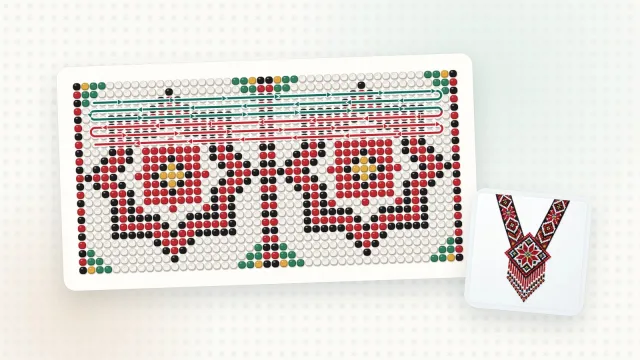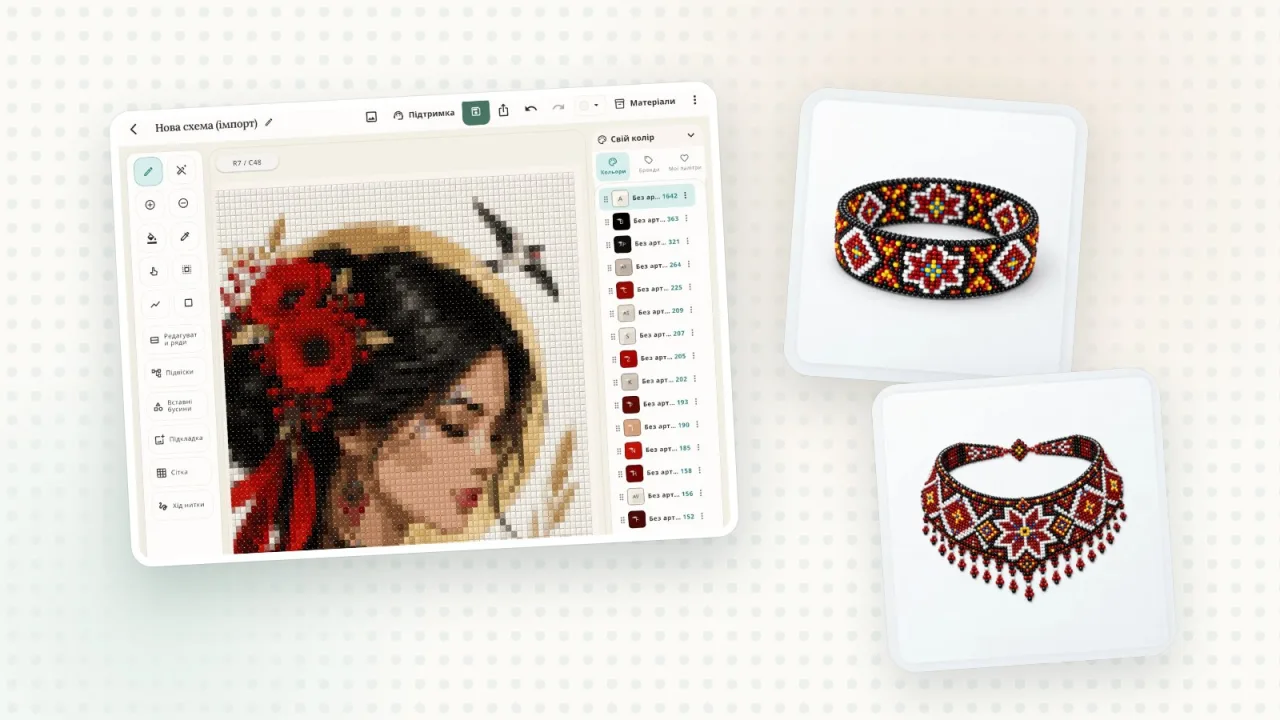
The most common mistakes while beading are a skipped row, a mixed-up colour and running out of beads halfway. Biser Studio has tools that take care of all three.
Weaving mode
The pattern opens row by row, and a marker shows where you stopped. Put your work aside, come back in the evening and carry on from the very same spot. The pattern lives in your Library on your phone, tablet and computer, so it is always at hand.
Colour dictation
The app reads the beads aloud, colour by colour, so your eyes stay on your work and your hands stay free. It is especially handy on the long rows of a gerdan or a sylianka.
Bead list
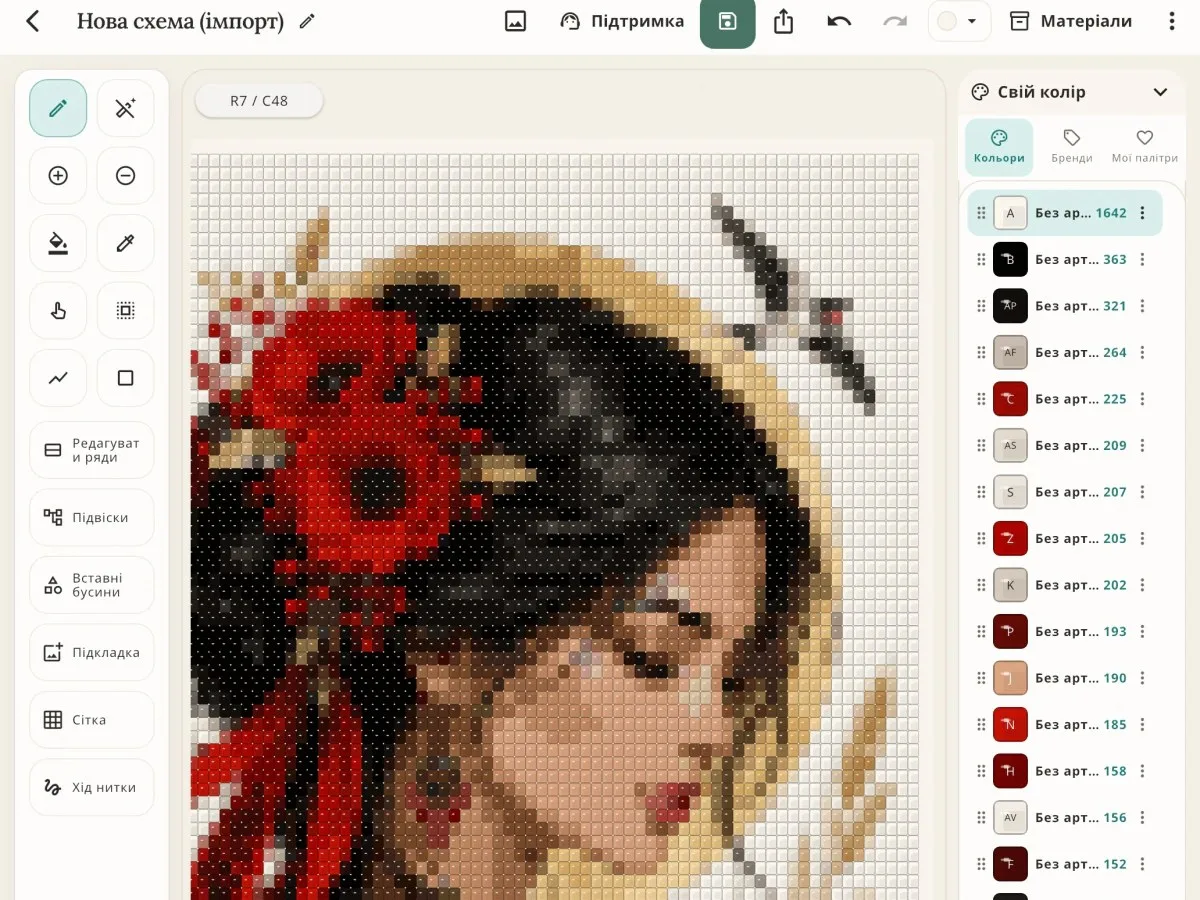
Before you shop, open the bead list: colours, codes and how many beads of each colour you need. Buy a little extra: some beads are always uneven or get lost.
A pattern on paper
If you prefer to bead from a printout, save the pattern as a PDF and print it. You can add the materials list to the PDF, and colour symbols help you tell similar shades apart.
A few tips
Before you start, look through the pattern in weaving mode: tricky spots are easier to notice.
Keep your beads in labelled containers with the same symbols as in the pattern.
Take breaks: fresh eyes spot a mistake sooner.